
Property Photography & Content Brief Builder
Give every image a reason to exist.
A beautiful gallery can still leave the most important question unanswered.
Property Photography & Content Brief Builder turns prospect questions into purposeful shot lists, clear creative briefs and organized asset handoffs. Built for multifamily, office, retail and mixed-use teams, it connects what the image needs to explain with what the property can actually show.
Inside the download
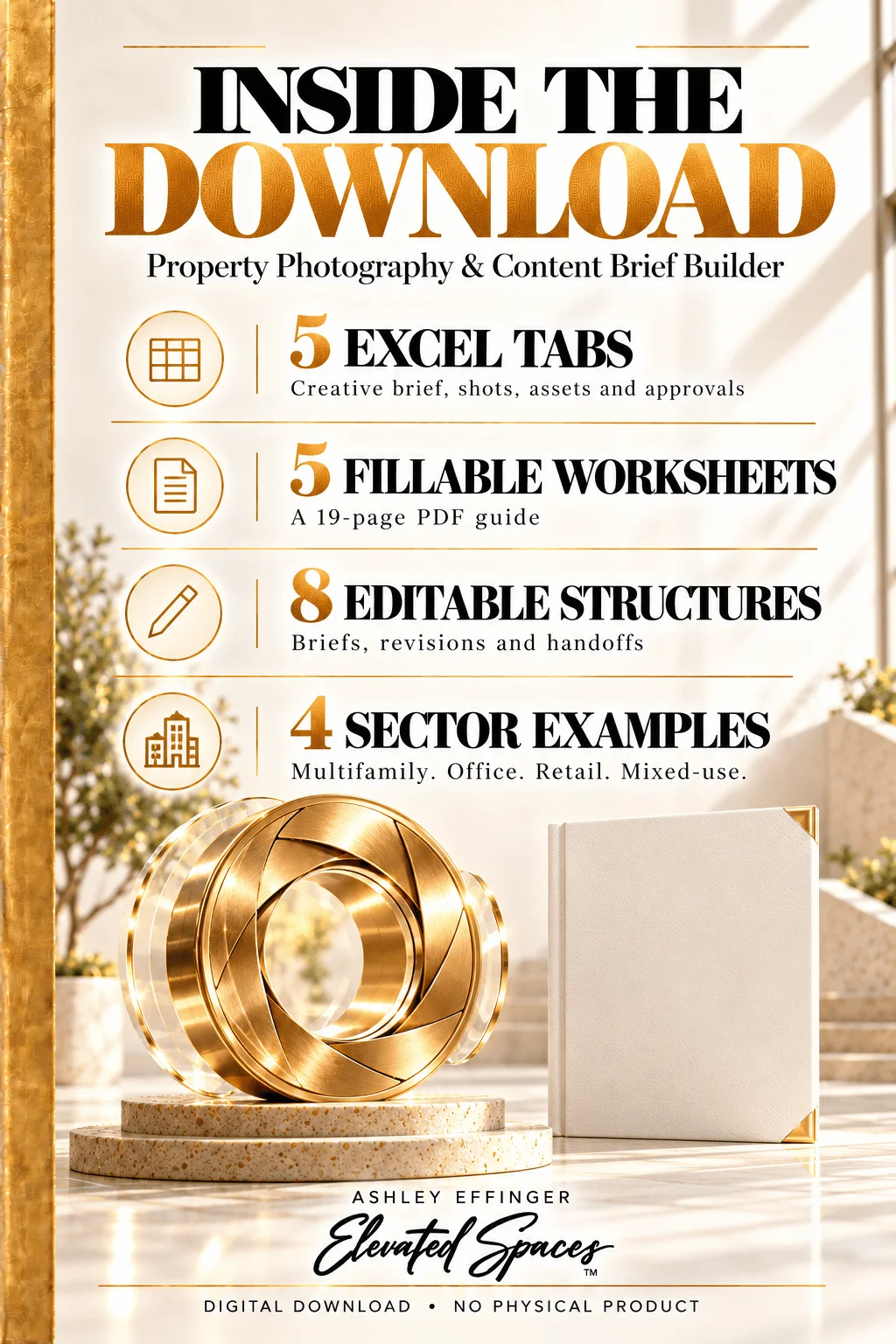
• Five Excel tabs: Creative Brief, Shot Plan, Asset Register, Usage & Approval and Read First.
• 30 shot-planning records for questions, spaces, required evidence, priorities, owners, deadlines and capture references.
• 30 asset records for filenames, configurations, sources, representation labels, permission references and usage restrictions.
• 24 destination and approval records for formats, crops, captions, alt text, disclosures and delivery references.
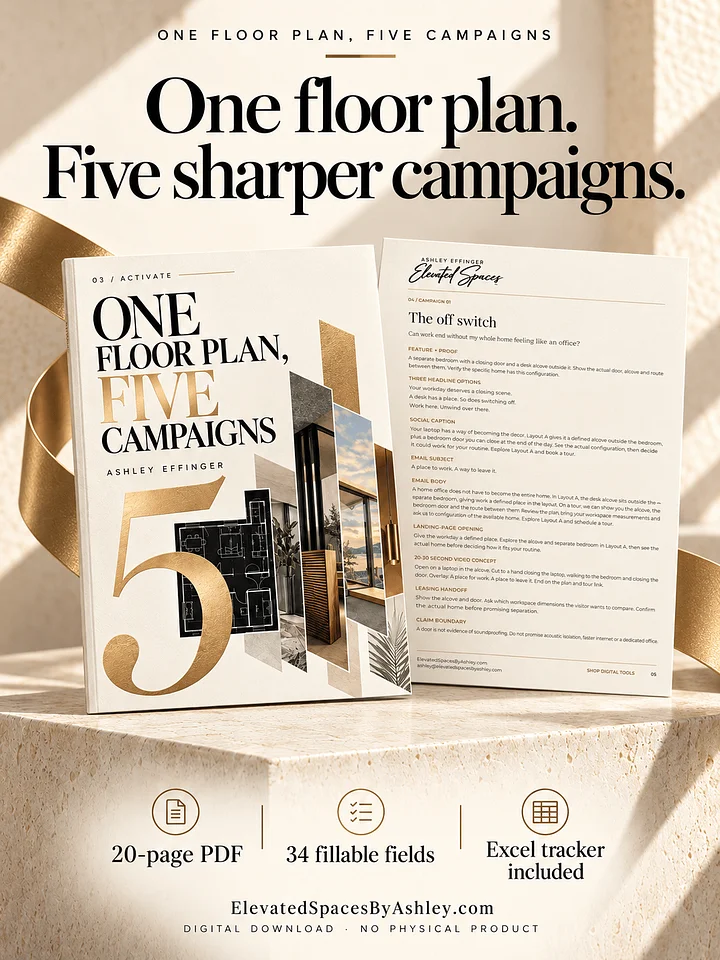
• 19-page PDF guide with five fillable worksheets, 30 text fields and 10 checkboxes.
• Eight editable brief structures for assignments, shot requests, readiness notes, handoffs, revisions, approvals and gallery reviews.
• Four fictional examples: multifamily layouts, office arrival, retail frontage and mixed-use access.
• Completion dropdowns, missing-information flags, duplicate-ID checks and review reminders. Completed records dim after required inputs and confirmation are present.
• Elevated Spaces branding and clickable website, article and shop links.
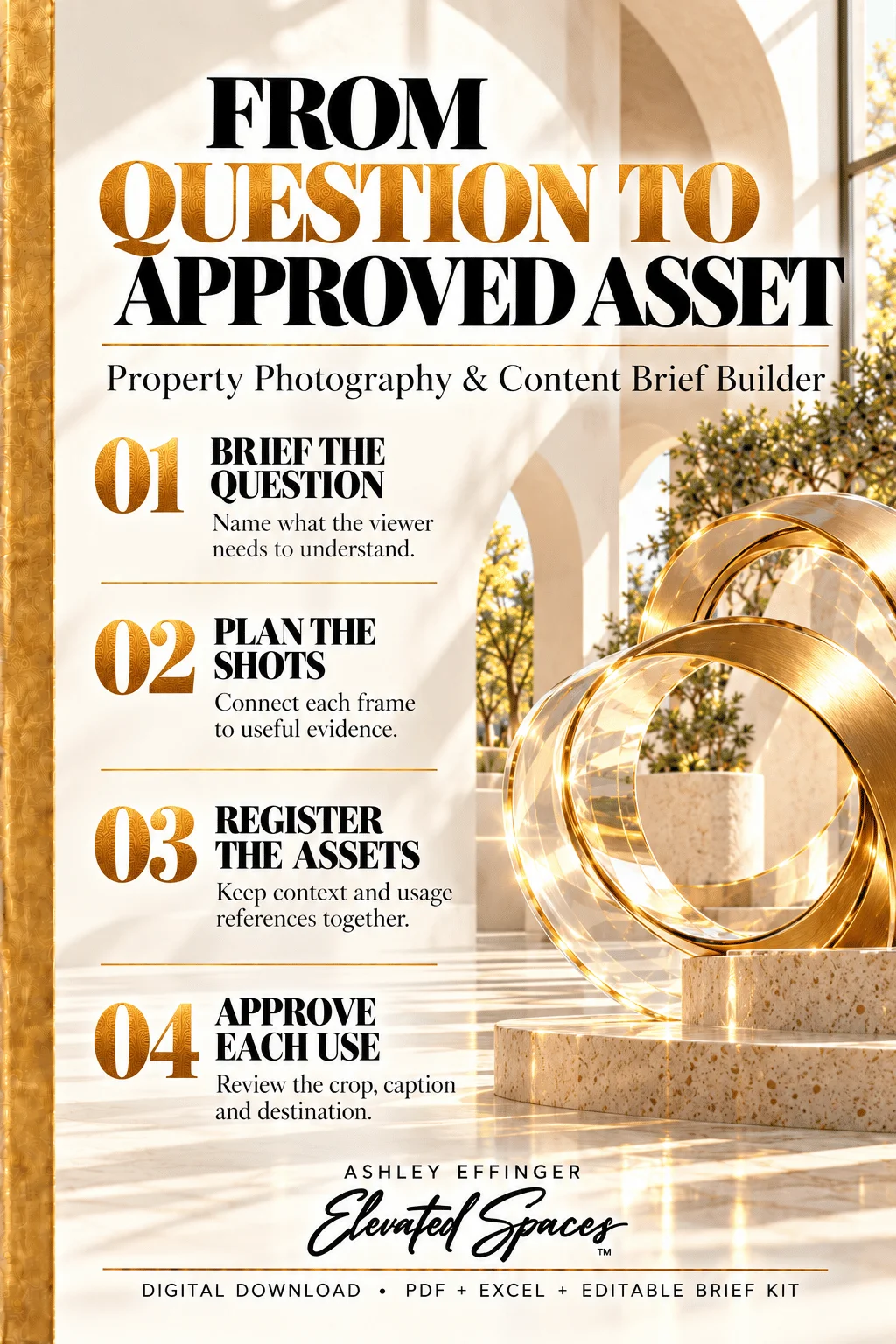
From question to useful image
Use this kit before commissioning a shoot, refreshing a gallery or briefing a production partner. Give each frame a clear job, then keep its configuration, usage information and approvals connected through delivery.
Explore the thinking behind the tool
Beautiful Photography. Still Too Many Unanswered Questions.
Class A Is a Classification. What Is Your Building’s Argument?
Retail Leasing Needs a Story About the Customer, Too
Mixed-Use Marketing Should Explain How the Pieces Work Together
Formats and scope
Includes XLSX, PDF, editable Markdown and instructions in a ZIP. Excel is the primary workbook format. PDF pages 14–18 require an AcroForm-compatible reader. Use the prepared rows and a separate working copy per shoot. Formula cells are visually distinguished, not password protected. Update the fixed review date to refresh date-based flags.
Photography, stock images, image generation, photo storage and third-party usage rights are not included. This tool records documented permissions; it does not provide legal clearance. No macros, automatic publishing, CRM integration, native Google Sheets or Canva template. Examples are fictional; results are not guaranteed.
License and support
For one purchasing team’s internal use at one property. You may adapt the files and share resulting property-specific briefs with production vendors. No source-file resale, redistribution, white-label resale, client-service reuse or multi-property use.
For file support or expanded licensing: ashley@elevatedspacesbyashley.com.
Digital download only. No physical product. Cancellations and refunds follow Fourthwall’s policy and applicable consumer rights.